ROS2 + Gazebo on WSL2 with WSLg (1)
Context
Previously we tried running ROS2 + Gazebo on WSL to prevent having to sideload ubuntu.
This didn't work last year, because WSL lacked good support for GUI applications.
There's been many improvements since then to WSLg (Windows Subsystem for Linux GUI), so we should try that instead of directing users to dualboot or USBs
Should we use WSL2g?
| Pros | Cons |
|---|---|
| Easy setup for Windows users | Hardware access is lacking (cameras, sensors, etc). Workarounds exist, but they suck |
| Native GUI apps on Windows | WSL2's virtual networking will block ROS2 node communication between Windows ↔ WSL2 ↔ the rover |
| GPU Acceleration | Performance will be worse |
| Easy access between windows/linux files (don't build workspaces in mnt/c/…) |
|
| For early development, yes! |
Install
Installing WSL2 + Ubuntu 24.04
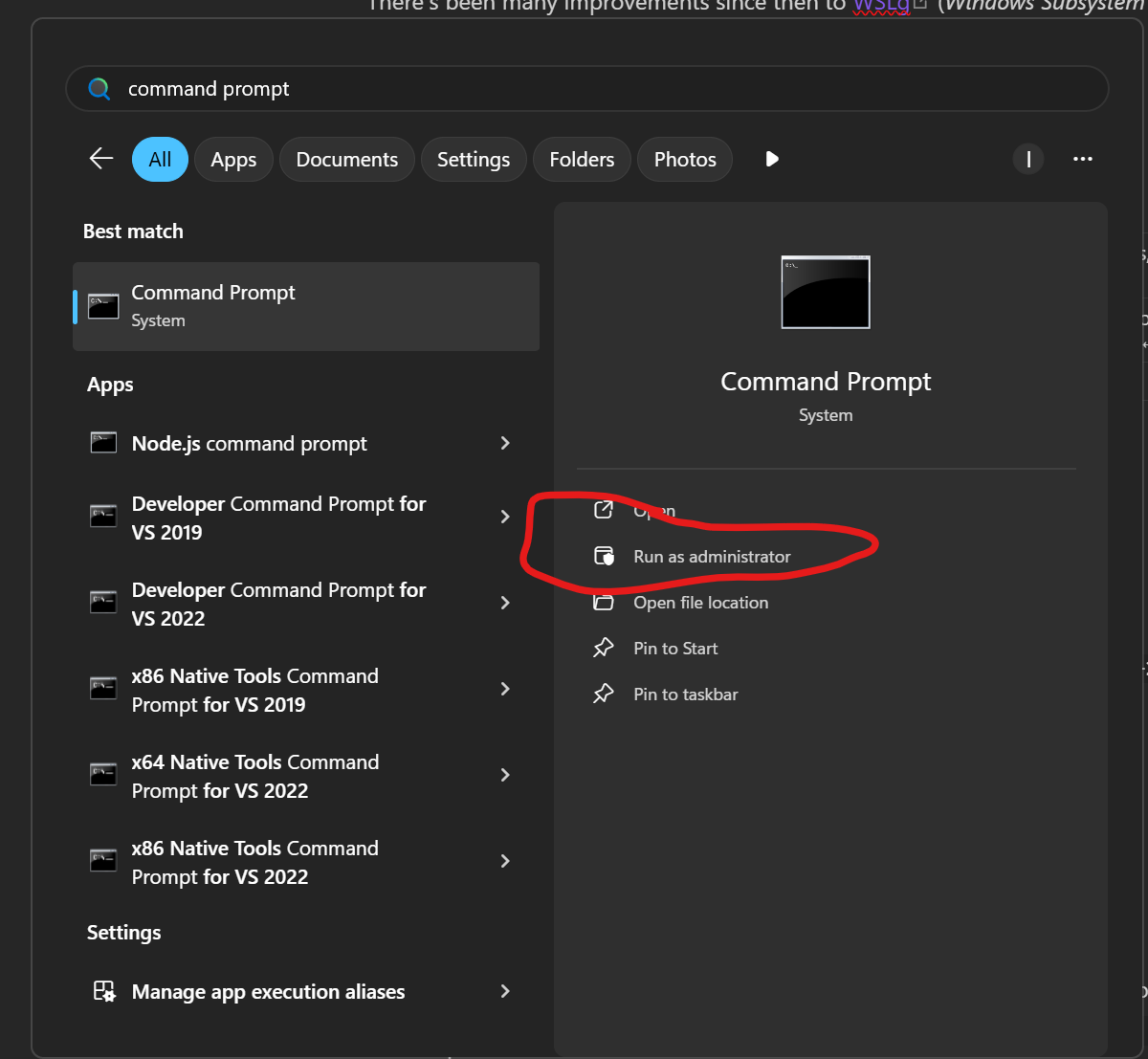
- Open command prompt with admin
- If you don't have WSL already, install it with the following command:
wsl --install -d Ubuntu-24.04- put a username you'll remember
- put a password you'll remember (write this down, you will need it!)
- After installing, WSL should launch automatically, you'll know if you have green text like the following:

- If not, run WSL by searching
WSLon windows 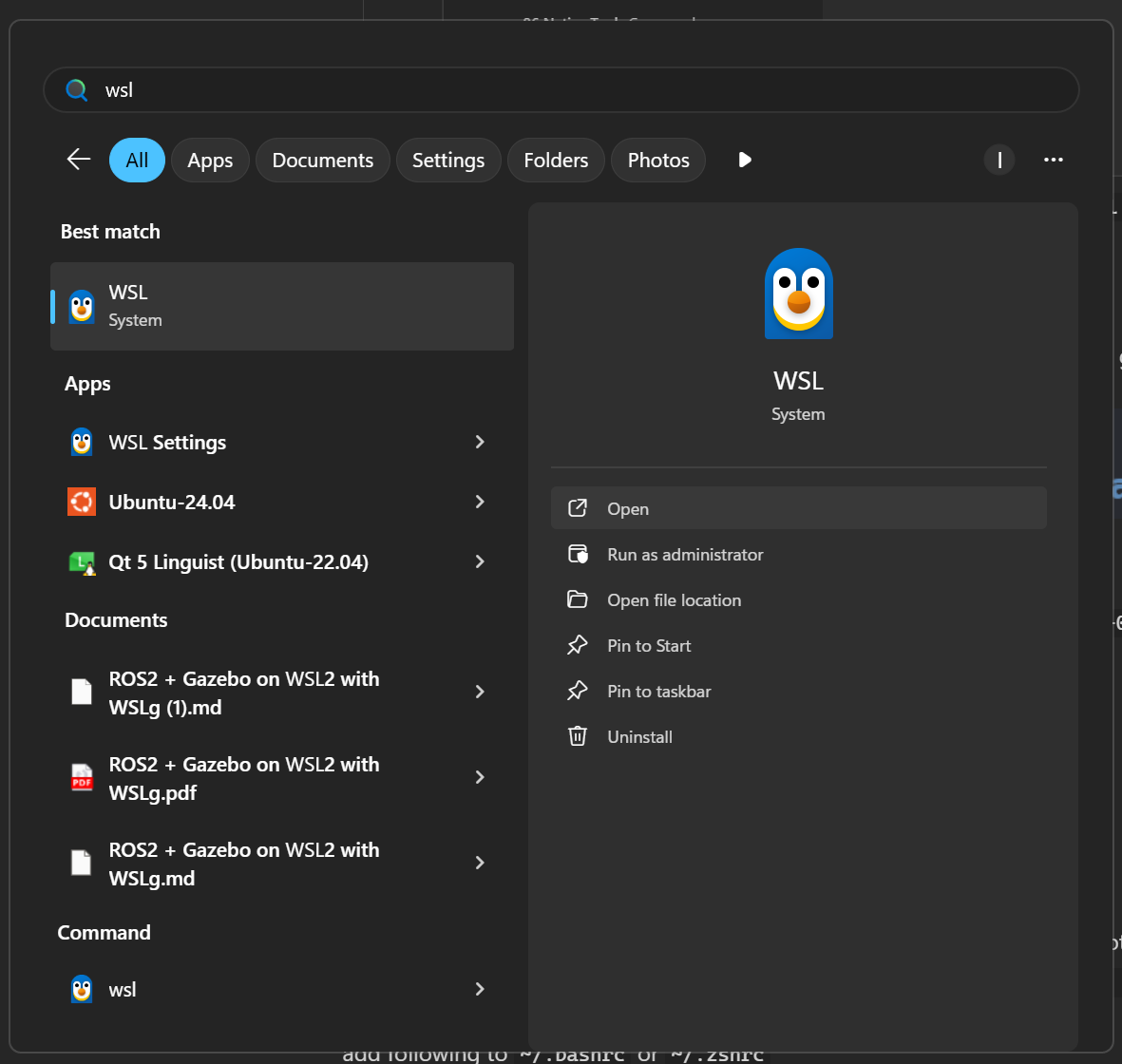
- WSL is installed!